



ChatGPT Photo Prompts: 15 Ready-to-Use Prompts and a Guide (2026)
ChatGPT photo prompts are searched about 1,900 times a month in Turkey, and ChatGPT Images 2.5 has been available on the free plan too since September 8, 2026. We cover 15 ready-to-use prompts for men's portraits, couples, LinkedIn, 3D figures, cars and products, plus plan differences and the legal limits under Turkey's KVKK.
- Short answer: to get a photo in ChatGPT, describe what you want in the chat or pick Images from the More menu; for good results, put the scene, subject, details and constraints on separate lines.
- Model: ChatGPT's current image model is ChatGPT Images 2.5; it opened to every plan, the free plan included, on September 8, 2026 (OpenAI Help Center).
- Free limit: the Free plan includes image generation, but it is 'limited and slower'; OpenAI does not publish a daily number and shows a warning when you hit the limit.
- This guide has 15 copy-paste prompts: men's portraits, couples and families, LinkedIn profile photos, 3D figures, old photo restoration, cars, products and a poster with exact text.
- Demand: in Turkey, the Turkish query for 'ChatGPT photo prompts' gets about 1,900 searches a month and the one for 'ChatGPT image generation' about 1,600 (Google Keyword Planner, September 2026).
- Law: get permission before uploading someone else's photo; the Generative AI Guide from Turkey's data protection authority (KVKK) recommends not sharing third parties' data.
ChatGPT photo prompts are the instructions you write to have ChatGPT create a photo from scratch or transform a photo you upload. The model draws what you describe: if you don't specify the light, the framing and what must stay the same, it picks those on its own.
In this guide we walk through making photos with ChatGPT in 5 steps and give you 15 ready-to-use prompts. The prompts were written for ChatGPT Images 2.5, released on September 8, 2026, and follow the structure of OpenAI's official prompting guide. After that come the differences between plans, a comparison with Gemini and the legal limits to keep in mind in Turkey.
What Is a ChatGPT Photo Prompt and How Does It Work?
Image generation in ChatGPT happens inside the chat: it reads your description and your uploaded photo at the same time and remembers earlier messages. That means you can refine a photo over several rounds. OpenAI says Images 2.5 brings sharper detail, more precise editing and faster generation.
A good photo prompt has four parts. The scene sets the location and light, the subject describes the person or object, the details shape the look (clothing, color, lens), and the constraints say what must not change and what must not be added. When you work with your own photo, the constraint is the most important part: if you don't say 'keep the face', the model may reinterpret the face too.
How to Make Photos with ChatGPT: Create Images in 5 Steps
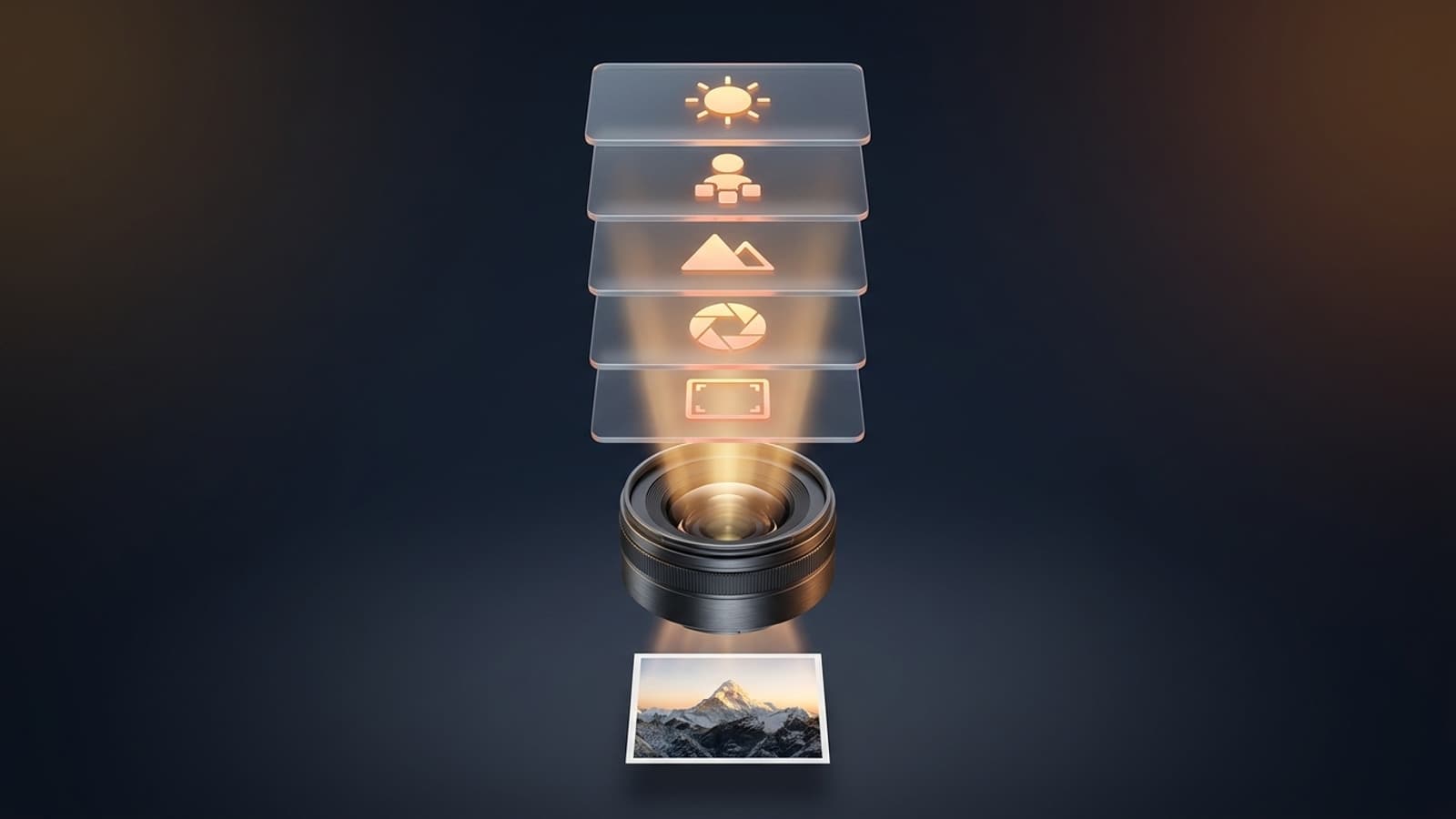
Short answer: describe the photo in the chat or open Images from the menu, then fix the result one change at a time. According to the OpenAI Help Center, image generation works the same way on the web, iOS and Android.
- Turn on image mode: type 'create a photo' straight into the chat or pick Images from the More menu. The Images section in the sidebar also has ready-made templates.
- If you're using your own photo, upload it: PNG, JPEG or non-animated GIF, up to 20 MB per file. Pick a photo with a clear face and good light.
- Split the prompt into four parts: scene (where, in what light), subject (who or what), details (clothing, lens, color), constraints (what must not change).
- Choose the aspect ratio: ChatGPT can generate images in any ratio; ask for 1:1 for a profile picture, 9:16 for a story and 16:9 for a cover.
- Ask for one change at a time, for example 'change only the background, keep the face and clothing'. To fix a specific area, you can use the selection tool.
Rewriting the prompt from scratch on every attempt. Keep going from the image you like and say only what should change; OpenAI's guide also recommends restating the details to keep on every round.
15 Ready-to-Use ChatGPT Photo Prompts (Copy and Paste)
Copy a prompt, fill in the fields in square brackets and, if needed, attach your photo to the same message. We originally wrote these prompts in Turkish, and the versions below are English translations; ChatGPT understands descriptions in Turkish as well as English. All of them also work in Gemini.
Portrait and profile picture prompts
Turn the person in the photo I uploaded into a professional studio portrait.
Identity: keep the facial features, eye color, hairline, skin tone and age exactly the same; do not beautify or slim anything.
Scene: [light gray / dark navy] plain studio backdrop, soft key light from the left, gentle fill light.
Outfit: [dark navy suit, white shirt].
Camera: real photo, 85 mm portrait lens, shot at eye level, framed from the shoulders up.
Constraint: do not add text, logos or watermarks. Aspect ratio 4:5.Place the man in the photo I uploaded into a cinematic outdoor portrait.
Identity: do not change his face, beard and hair shape, or age.
Scene: [a seaside road in Istanbul in the late afternoon / a wet street after the rain], golden hour light, softly blurred city lights in the background.
Outfit: [dark brown leather jacket, black T-shirt].
Camera: real photo, 50 mm lens, shallow depth of field, subject on the right third of the frame, looking at the horizon instead of the camera.
Color: warm tones, natural skin texture, no heavy filter. Aspect ratio 4:5.In men's portrait prompts, the beard and the hairline are what break most often, so list both separately on the identity line.
Create a LinkedIn profile photo from the photo I uploaded.
Identity: keep the facial features and age, do not exaggerate the smile, keep it natural.
Scene: a simple, slightly blurred office background, daylight coming through a window.
Outfit: [blazer and a light-colored shirt / blouse].
Framing: shoulders visible, face centered in the frame, a little space above the head, suitable for a circular crop.
Camera: real photo, 85 mm lens, sharp eyes. Aspect ratio 1:1.Turn the person in the photo I uploaded into a stylish lifestyle photo for Instagram.
Identity: keep the face and body proportions.
Scene: [sunrise in Cappadocia with hot air balloons in the background / a cafe terrace in Kas, Turkey].
Light: soft morning light, subtle film grain.
Pose: natural, half turned toward the camera, holding [a coffee cup].
Constraint: no text, stickers or logos. Aspect ratio [1:1 for a profile picture / 9:16 for a story].Couple and family photo prompts
Combine the people from the two photos I uploaded into one natural couple photo in the same frame.
Identity: keep both people's faces, hair and height difference exactly the same.
Scene: [sunset on the Galata Bridge / in front of a snowy mountain cabin], the two walking side by side and looking at each other.
Light: warm light hitting both people from the same direction, consistent shadows.
Camera: real photo, 35 mm lens, framed from the waist up.
Constraint: do not add extra people, text or logos. Aspect ratio 4:5.Create a single studio family photo with the [4] people in the photos I uploaded.
Identity: keep each person's face, age and height; do not make anyone look younger.
Arrangement: [mother and father standing at the back, children sitting in front].
Outfits: casual clothes in matching [cream and navy] tones.
Scene: warm beige backdrop, broad soft light, everyone looking at the camera.
Camera: real photo, 50 mm lens, the whole family in the frame. Aspect ratio 3:2.Style transformation prompts
Turn the photo I uploaded into a classic black and white film photo.
Change only the color and the light; keep the face, pose and clothing.
Look: high contrast, visible film grain, deep shadows, a single light from the side.
Background: dark and plain.
Constraint: do not add color tints, text or a frame.Turn the person in the photo I uploaded into a 3D collectible figure standing on a desk.
Figure: glossy plastic texture, the real person's hair, clothing and facial features kept recognizable, about 20 cm tall.
Scene: a wooden work desk, the figure's packaging box with a clear window behind it, [a small camera and a coffee cup] as accessories next to it.
Light: soft product photography lighting.
Text on the box: "[NAME]" (only this word, in capital letters). Aspect ratio 1:1.Turn the person in the photo I uploaded into a cute cartoon.
Style: [watercolor illustration / bold-line comic book / soft 3D animated character].
Identity: keep distinctive features such as hair shape, glasses and beard, and slightly exaggerate the proportions.
Background: plain [pastel yellow].
Constraint: do not imitate a well-known studio's characters or logo.Old photo and ID-style photo prompts
Restore the old family photo I uploaded.
Do: remove scratches, stains and creases; balance the contrast; increase sharpness.
Color: [keep it black and white / colorize it in natural, faded tones].
Identity: do not redraw the faces, do not change expressions or ages, do not add details that are not in the photo.
Framing: keep the original framing and aspect ratio.The model cannot recover detail that is gone; it guesses. Always keep the original for your archive. You'll find more detailed methods in our photo sharpening guide.
Create an ID-style portrait from the photo I uploaded.
Background: plain white, no pattern.
Pose: facing the camera straight on, head upright, eyes open, mouth closed, no shadows.
Identity: do not change the face, skin tone, hair shape or age; do not retouch.
Framing: from the shoulders up, head centered in the frame. Aspect ratio 5:6.Turkey's General Directorate of Population and Citizenship Affairs (NVI) requires a biometric photo for ID card applications: 50x60 mm, white background, taken within the last 6 months. In the agency's own words (our translation), 'photos reproduced on a computer or non-biometric photos are not accepted'. Use this prompt for a resume, a membership card or internal systems; for official documents, go to a photographer.
Car, product and text-in-image prompts
Create a realistic car photo.
Subject: [a red classic coupe from the 1970s / a white modern electric SUV], with no brand logo visible.
Scene: [a winding coastal road at sunset / a rainy night, wet asphalt with neon reflections].
Camera: real photo, low angle, front three-quarter view, 35 mm lens, slight motion blur in the background.
Constraint: no readable text on the license plate. Aspect ratio 16:9.Create a real photo of [subject]: [location], in [time of day] light, in [color] tones, [close-up / medium / wide] framing; no text or logos, aspect ratio [16:9].If you're in a hurry, this template is enough; OpenAI Academy also says 1 to 3 clear sentences are enough for most images.
Create an e-commerce product image from the product photo I uploaded.
Product: keep its shape, color, label and printed text exactly the same; do not redraw it.
Scene: [pure white backdrop with a soft reflection underneath / a marble countertop with fresh lemons and mint beside it].
Light: soft box lighting, no harsh shadows.
Framing: product centered, space around the edges. Aspect ratio 1:1.Design an [engagement invitation / cafe opening poster].
Visual: [pastel flowers with gold details / a warm-toned photo of a coffee cup], simple and elegant.
Text (letter for letter, with every accent and special character exactly as written):
Title, top center, large elegant lettering: "[Emma & James]"
Second line, in small lettering: "[Saturday, October 12, 2026, 7:00 PM]"
Constraint: do not add any text besides these two lines; check every letter. Aspect ratio 4:5.Requests that include a famous person's name, someone else's face or a child may be blocked by policy; OpenAI says you can contact support about a wrongful block. If the face doesn't look like you, move the 'do not change the facial features' line to the top and ask for only one change. If the text comes out garbled, write it again in quotes, letter for letter.
6 Techniques for Writing ChatGPT Photo Prompts
- Use labeled lines: OpenAI's image prompting guide recommends splitting the prompt into scene, subject, details and constraints.
- Ask for realism explicitly: the phrase 'real photo' and lens names such as 35 mm, 50 mm and 85 mm steer the look; the guide calls them hints, and the model does not simulate real optics.
- List what to keep: say 'change only X' and list the details that must stay, such as identity, layout and lighting.
- Put text in quotes: give any text that should appear in the image in quotation marks and describe its position and typography.
- Choose the ratio first: cropping later ruins the framing; 1:1 for a profile, 4:5 for a post, 9:16 for a story.
- State the negatives too: constraints like 'no text, no logo, no filter' cut down on unwanted elements.
Use this table like a dictionary: find the effect you want and add the phrase from the middle column to the details line of your prompt. Lens and lighting terms come from photography jargon, and the model recognizes them whatever language you write in.
Put required wording in quotes and describe its position and typography.
| What do you want? | Phrase to add to the prompt | Effect |
|---|---|---|
| Portrait with a blurred background | 85 mm lens, shallow depth of field | The face stands out, the background softens |
| Street or couple photo | 35 mm lens, framed from the waist up | The location stays in the frame too |
| Warm, romantic light | golden hour light, sunset | Orange tones, long shadows |
| Corporate look | soft studio light, plain gray backdrop | A clean face with no shadows |
| Nostalgic feel | film grain, black and white, high contrast | Analog film look |
| Product display | box lighting, white backdrop, soft reflection | A clean image that fits marketplace listings |
Is ChatGPT Image Generation Free? Differences by Plan
Yes, you can create images with ChatGPT on the free plan too. In its September 8, 2026 announcement, OpenAI wrote that Images 2.5 was available to users on all plans and that existing image limits had not changed. Every plan gets the same model; what differs is speed and volume.
| Plan | Monthly price | Image generation (OpenAI's wording) | Note |
|---|---|---|---|
| Free | $0 | Limited and slower image generation | No number published; you get a warning when you hit the limit |
| Go | $8 | More image creation | More image allowance than the Free plan |
| Plus | $20 | More complex and accurate image creation | Includes images with thinking |
| Pro | $100 | Unlimited and faster image creation | Subject to abuse guardrails |
Prices are the dollar amounts on OpenAI's pricing page; in Turkey the charge is billed in lira and may vary with taxes. When you hit the limit, OpenAI suggests waiting a while or upgrading to a higher plan.
Images made with ChatGPT carry C2PA Content Credentials and a SynthID mark; you can check an image's origin at openai.com/verify. OpenAI also notes that C2PA data can be stripped by platforms or during file conversion.
ChatGPT or Gemini? A Comparison for Photo Prompts
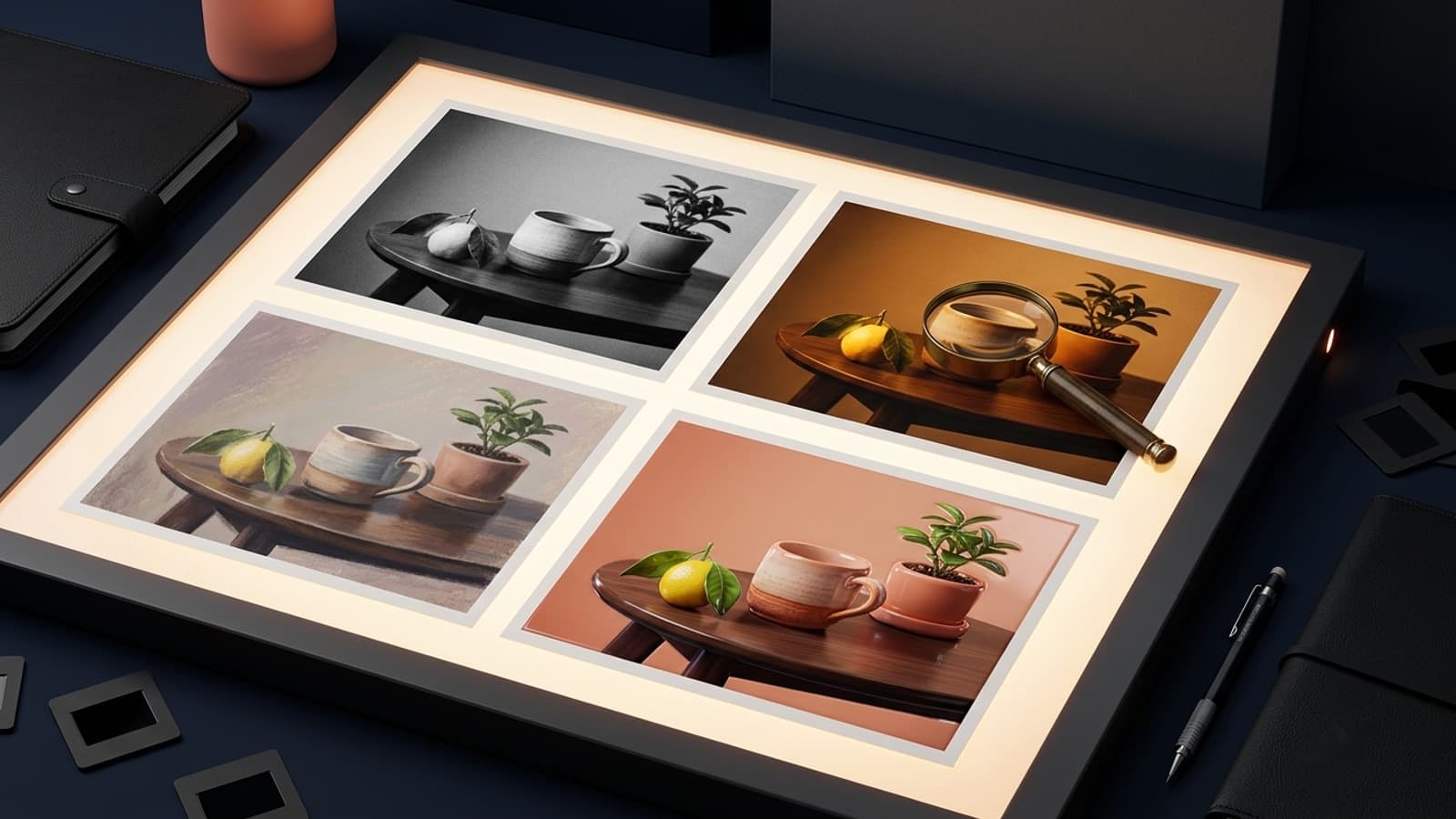
Both tools generate photos on the free plan and understand the same prompts. Choose based on whether you need text in the image and how you like to edit.
| Criterion | ChatGPT (Images 2.5) | Gemini |
|---|---|---|
| Free plan | Yes, limited and slower | Yes, daily number not published |
| Area editing | Has a selection tool, not precise | Editing through chat |
| Visible watermark | None; C2PA and SynthID metadata | Can be turned off in settings |
| Text in images | Much improved, can still misplace text | Turkish is not on the API docs' list of best-performing languages |
| Best for | Posters, invitations, step-by-step editing | Quick portraits and style experiments |
The clearest difference in the table is watermarks and text. ChatGPT leaves no visible mark on the image and keeps the origin in the metadata, which gives you a clean result for things you'll share, like posters and invitations. Gemini is strong at fast, creative style experiments.
Our recommendation: use ChatGPT for images with text and multi-round editing, and Gemini for quick style experiments. Gemini-specific prompts are in our guide to making photos with Gemini.
Why Do Photos Come Out Wrong? 6 Common Mistakes
Most bad results come from the order of the prompt, and the model is rarely the cause. When you see one of the mistakes below, ask for a fix on the same image instead of opening a new chat.
- The face changed: the identity line is missing or sits at the end of the prompt. Put what must be kept at the top.
- Hands or text are garbled: the model can still misplace text; keep the text short and in quotes.
- Everything changed: you asked for several changes at once. Ask for one change at a time.
- Inconsistent light: the light direction wasn't specified for the combined photos. Write 'light on both people from the same direction'.
- Plastic skin: phrases like 'perfect skin' increase retouching; write 'natural skin texture' instead.
- The selection spilled over: according to OpenAI, selections aren't always precise; describe small areas in the prompt as well.
ChatGPT Photos in Turkey: KVKK and Personality Rights
Uploading your own photo is personal use; Article 28 of Turkey's personal data protection law (KVKK) excludes processing that concerns only the person and family members living in the same household. Someone else's photo is a different matter: the Generative AI Guide that the KVKK authority published in November 2025 recommends taking care not to share third parties' personal data with these systems.
Creating and sharing a realistic image of someone without their consent can fall under personality rights in Article 24 of the Turkish Civil Code and the privacy of private life in Article 134 of the Turkish Criminal Code. OpenAI's usage policies also prohibit using someone's likeness without consent in a way that could mislead people about what is real. You own the images you create: under OpenAI's terms of use, the output belongs to the user, but other users may get similar images.
Yes. All the prompts here work on the free plan; image generation on the free plan is limited and slower, and ChatGPT shows a warning when you hit the limit.
No. ChatGPT understands descriptions in other languages too, and we originally wrote and used these prompts in Turkish. If the result isn't what you expected, try the same prompt in English; keep any text that should appear in the image in quotes, in its original language.
Start with a line that keeps the face, beard and hair shape; then add the location, light, outfit and lens details such as 50 mm or 85 mm. Prompt 2 above is a ready-made example.
OpenAI does not publish a daily number. The Free plan offers 'limited and slower' generation, and the Pro plan offers 'unlimited and faster' generation, subject to abuse guardrails.
We advise against it. In Turkey, NVI requires a biometric photo and does not accept photos reproduced on a computer or non-biometric photos; for official applications, go to a photographer.
Under OpenAI's terms of use, the user owns the output. Even so, if the image shows someone else's face, you need that person's permission.
The secret to good photos with ChatGPT is the right order, and length matters far less: scene, subject, details and constraints. Try the 15 prompts above with your own photo and change only one thing per round. Where AI falls short for your product or brand, we can help with a professional photo shoot.
Professional Photography Service
AI is a quick start for profile pictures and concept images; product catalogs, e-commerce and corporate identity need a professional shoot that shows the real product exactly as it is. We photograph your products and team to marketplace and website standards. Get in touch today for a free consultation.