



Gemini AI Photo Prompts: 12 Ready-to-Use Prompts and Guide (2026)
12 copy-paste Gemini photo prompts, the five-block structure that explains why a prompt works, and prompts for product photos. We also cover the Nano Banana 2 model, the limit of 20 images a day on the free plan and fixes for 6 common mistakes.
- Model: Nano Banana 2 (technical name Gemini 3.1 Flash Image), released on February 26, 2026, became the default image model in the Gemini app, Google Lens and AI Mode; the same announcement opened it to 141 new countries and territories.
- Terms: Whether people search for Gemini photo prompts, commands or codes, they mean the same thing: plain text that tells Gemini how the image should be generated.
- Structure: A prompt that gets results has five blocks: subject, scene, lighting, camera and output. Technical photography terms written in English give noticeably more consistent results.
- Limit: According to March 2026 measurements, the free Gemini plan allows about 20 images a day; the quota resets at midnight Pacific time.
- Technical ceiling: Output ranges from 512 pixels up to 4K, consistency holds for 5 people and 14 objects in a single workflow, and every generated image carries an embedded SynthID watermark.
Gemini photo prompts are plain-text instructions you type into Google's Gemini app to describe the subject, scene, lighting and camera settings of the image you want. People also search for the same thing as Gemini photo commands, codes or photo-making text; all four mean one thing. Set up correctly, a prompt turns an ordinary phone snapshot into a studio portrait, a white-background product photo or a cinematic scene.
The rules changed on February 26, 2026. That day Google DeepMind announced Nano Banana 2 and made it the default across the entire Gemini app. Below you'll find 12 prompts you can copy directly, the five-block structure that explains why a prompt works, product photo and corporate portrait prompts for businesses, the daily limits on the free plan, and fixes for the six common mistakes that make photos come out broken.
What Are Gemini Photo Prompts and Where Do You Type Them?
A prompt is a single text box that tells Gemini what you want. The app has no separate image tab; you type in the chat screen. To edit an existing photo, tap the plus sign first, upload the photo, then write the prompt under it. To create an image from scratch, just type the description.
Most people dash this off in a few words, and the result isn't what they expected. Google's own developer documentation gives clear advice here: describe the scene instead of listing keywords. In other words, write full sentences, the way you would brief a photographer before a shoot. Every prompt in the rest of this guide follows that logic.
Nano Banana 2's technical name is Gemini 3.1 Flash Image. In the February 26, 2026 announcement, Google DeepMind put the model into the Gemini app and also into AI Mode and Lens in Google Search, AI Studio and the API, Vertex AI, Flow and Google Ads.
Anatomy of a Prompt: The 5 Blocks That Work
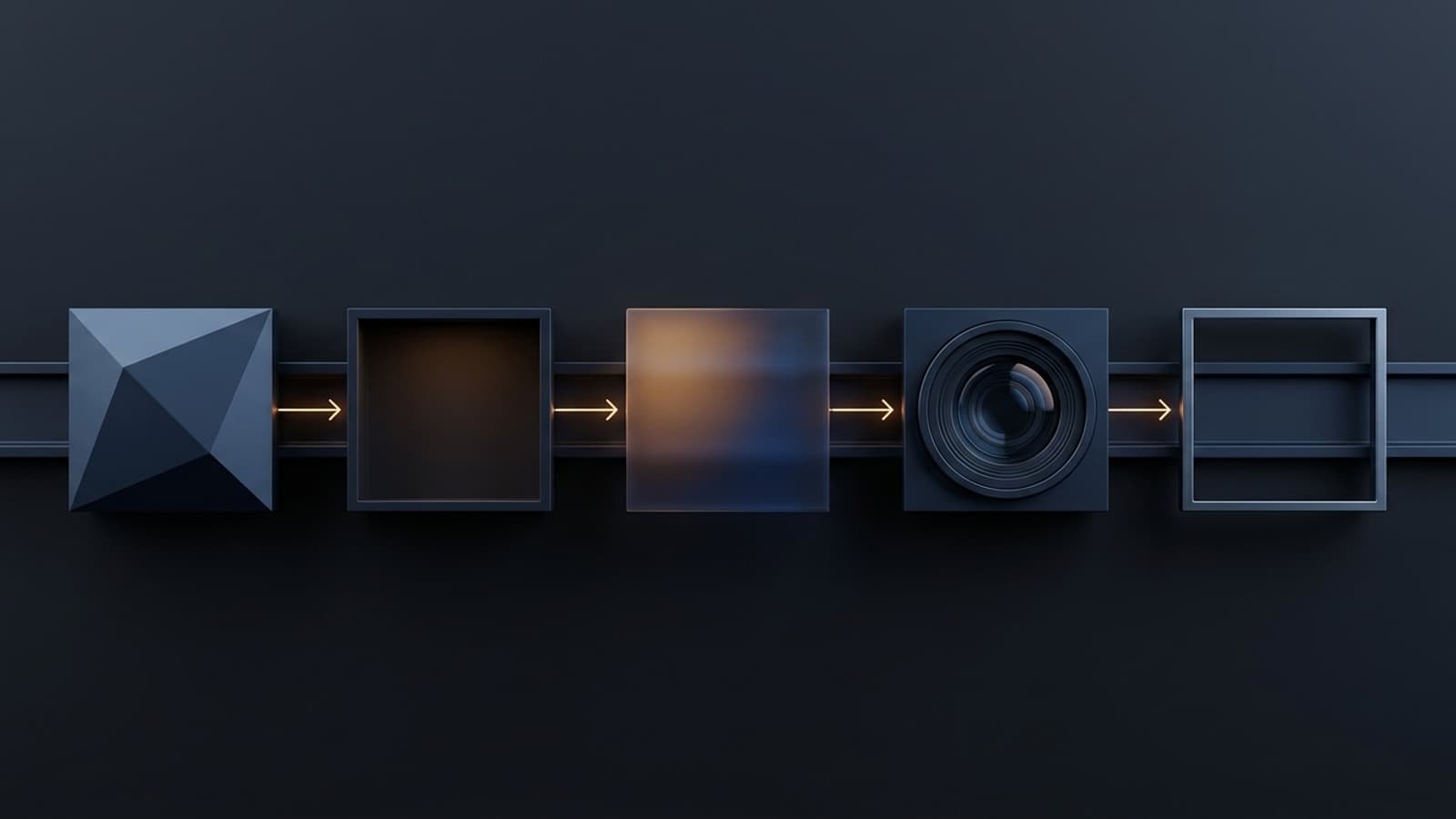
What separates prompts that work from mediocre ones is completeness. Whichever of the five blocks below you skip, the model makes that decision for you, and it usually picks the most generic, most cliched option. Use the table as a checklist.
| Block | What to write | Example phrase | If you leave it empty |
|---|---|---|---|
| Subject | Who or what, which outfit, which expression | woman in a navy blazer, smiling slightly | Outfit and expression change on every try |
| Scene | Where, what is in the background, how busy the space is | plain light gray studio backdrop, empty background | You get a random, crowded background |
| Lighting | Direction, hardness and color of the light | soft diffused light from a large softbox at 45 degrees | Flat, harsh, amateur-looking light |
| Camera | Lens, aperture, framing, angle | 85mm portrait lens, f/2.0, shallow depth of field | Wide-angle phone camera look |
| Output | Aspect ratio, resolution, texture preference | 4:5 portrait, 2K, keep natural skin texture | 1:1 square and over-smoothed skin |
The lighting and camera phrases were in English even in the Turkish original of this table, and that was on purpose. Lighting setups and lens terminology are mostly labeled in English in the training data, so the model interprets these terms more consistently. That is why the original Turkish prompts in this guide were written as a hybrid: the scene and the request in Turkish, the lighting and camera blocks in English.
If you're uploading your own photo, start the prompt with this sentence: Keep the facial features, age, skin tone, hair color and eye color of the person in the uploaded photo exactly the same, and do not change their identity; apply only the scene described below. Most complaints about faces becoming unrecognizable are fixed by this one sentence.
12 Ready-to-Use Gemini Photo Prompts (Copy and Paste)
You can copy the prompts below as they are. Replace the parts in square brackets with your own details. Whenever you upload your own photo, remember to add the identity lock sentence above to the start of the prompt.
Portrait and profile picture prompts
- LinkedIn profile picture: Show the person in a [navy blazer], against a plain light gray studio backdrop, framed from the waist up. Eyes on the camera, a slight smile. Lighting: soft diffused light from a large softbox at 45 degrees, subtle hair light from behind. Lens: 85mm portrait lens, f/2.0, shallow depth of field. Keep natural skin texture and pores; do not over-smooth the skin. 4:5 portrait, 2K.
- Passport and biometric photo: Show the person against a pure white background, framed from the shoulders up, facing straight ahead. Neutral expression, mouth closed, eyes looking at the camera, ears visible. Lighting: even frontal lighting, no shadow on the background, no reflection on glasses. Lens: 50mm, f/5.6, no distortion. The head should fill about 70% of the frame height. 1:1 square, 2K.
- Natural light corporate portrait: Show the person in a modern office, next to a window, turned slightly to the side. Keep the depth of the office blurred in the background. Lighting: natural window light from the left, soft falloff across the face, warm neutral tone. Lens: 85mm, f/1.8, background bokeh. Keep clothing wrinkles and hair detail natural. 3:4 portrait, 2K.
Couple, family and group photo prompts
- Couple photo: I've uploaded two photos. Keep both people's facial features, age and hair color exactly the same. Show them side by side, walking [along a seaside road]; one has an arm linked through the other's, and both are smiling naturally. Lighting: warm golden hour backlight, long soft shadows, gentle lens flare. Lens: 35mm, f/2.8. 16:9 landscape, 2K.
- Family photo: Show [three] people sitting together on a sofa in a living room; everyone is looking at the camera, relaxed and natural. Lighting: soft overcast daylight through a large window, gentle fill on faces. Lens: 35mm, f/4, everyone in sharp focus. No face should be blurry, and no one should have missing or extra fingers. 3:2 landscape, 2K.
- Team and group photo: Show [five] people standing in front of a modern office wall, in a single, slightly staggered row. Business casual clothing, natural expressions. Lighting: three-point softbox setup, even exposure across all faces. Lens: 35mm, f/5.6, deep depth of field. Exactly [five] people; do not add extra people. 16:9 landscape, 2K.
Style prompts: black and white, retro and cinematic
- Black and white portrait: Convert the photo to high-contrast black and white. Lighting: Rembrandt lighting, single key light from the upper left, deep blacks, bright specular highlight in the eyes. Texture: film grain, Kodak Tri-X 400 look. Lens: 85mm, f/1.4. Keep the background completely dark and preserve the facial features. 4:5 portrait, 2K.
- Retro 90s photo: Turn the photo into a shot taken with a 1990s compact camera. Texture: 1990s film photograph look, mild grain, slight warm magenta color shift, subtle vignette. Lighting: on-camera direct flash with a hard shadow behind the subject. Lens: 28mm. Optionally, add a date stamp in the corner. 4:3 landscape, 2K.
- Cinematic film still: Turn the photo into a movie frame. Color: anamorphic cinematic still, teal and orange color grade, rich shadows. Lighting: practical neon signage in the background, rim light on the subject's shoulders. Lens: 40mm anamorphic, f/2.0, horizontal lens flare. Keep the person's face sharp and recognizable. 21:9 widescreen, 2K.
Car, restoration and background prompts
- Car photo: Keep the model, body lines, color and wheel design of the uploaded car exactly the same; leave the license plate unreadable. Show the car at night on wet asphalt with city lights reflecting on it. Angle: low angle three-quarter front view. Lighting: rim lighting from the left, reflections on wet asphalt, cool ambient city glow. Lens: 35mm, f/4. 16:9 landscape, 4K.
- Old photo restoration and sharpening: Restore the old photo I uploaded. Reduce noise, clean up scratches and stains, bring faded colors back to their natural tones, balance the contrast. Do not change the facial features, the expression, the clothing or any object in the background; do not invent details that aren't there, and do not add new people. Upscale the resolution to 4K and keep the aspect ratio.
- Background change: Keep the person in the uploaded photo and replace only the background with [a plain light gray studio backdrop]. Separate the hair edges cleanly, without cutting off strands of hair. The new background must fit the light falling on the subject: match the lighting direction and color temperature of the subject. Make no changes to the person's pose, clothing or face. 4:5 portrait, 2K.
Prompts for Product Photos and Corporate Images
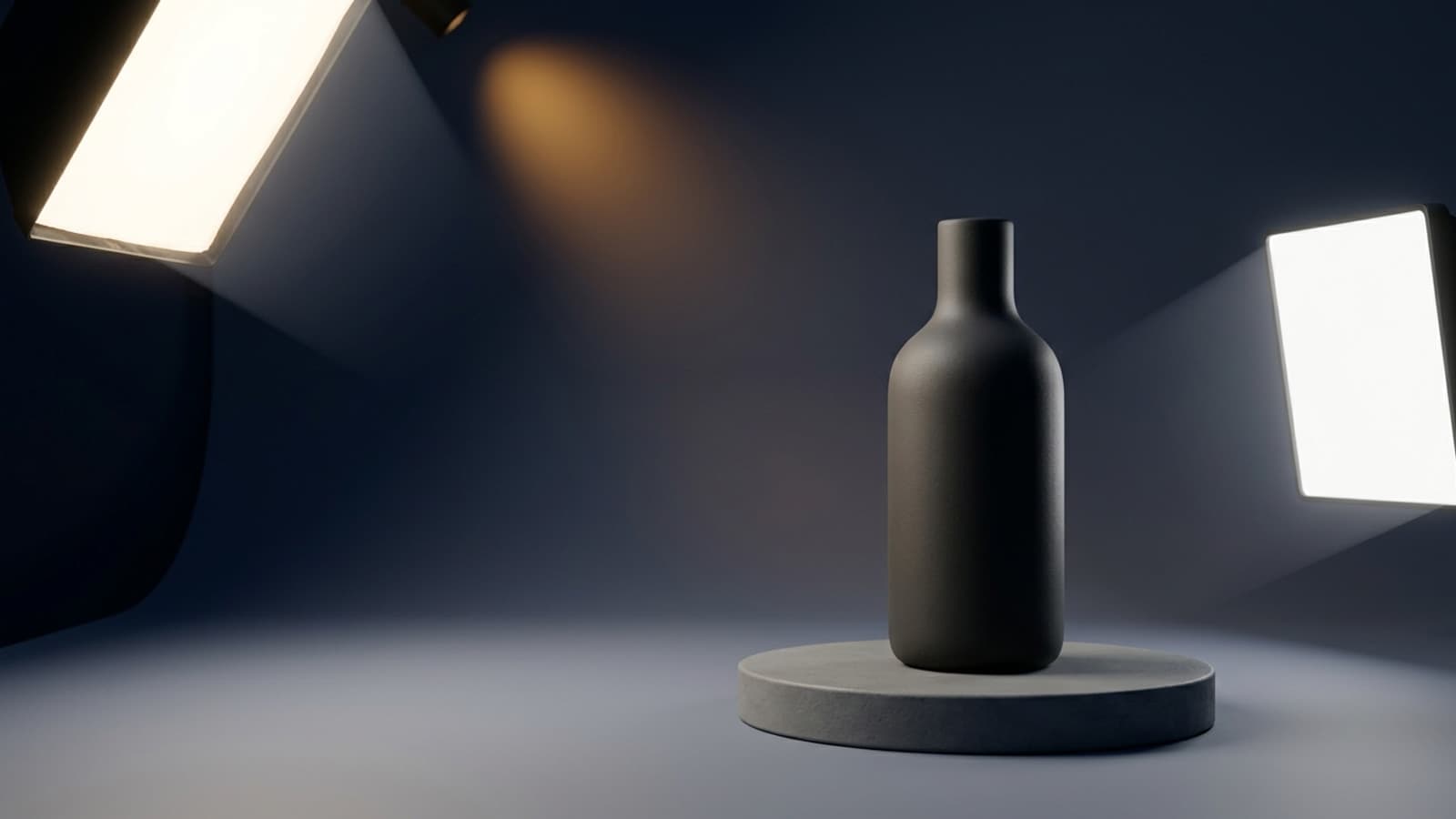
The prompts above are for personal use. On the business side, the two scenarios that pay off most are product images and corporate portraits. For a small online store, shooting hundreds of products in a studio strains both the schedule and the budget. In Turkey, studio shoots are usually priced per product and the unit cost drops as volume goes up, yet when a catalog is built for the first time this is still a serious upfront expense.
- White background e-commerce product image: Keep the shape, color, texture, label and all text on the uploaded product exactly the same; do not add new text, logos or decoration. Show the product on a pure white background, straight on. Lighting: pure white paper sweep background, large softbox from above and fill light from both sides, soft contact shadow directly under the product. Lens: 100mm macro, f/8, entire product in sharp focus. Place the product in the center of the frame with equal space on all sides. 1:1 square, 2K.
- Lifestyle product scene: Without changing the uploaded product, show it in an everyday-use scene on [a light-colored wooden countertop]. Add at most two simple props next to it; do not clutter the scene. Lighting: soft morning window light from the right, natural soft shadows, warm neutral tone. Lens: 50mm, f/2.8, shallow depth of field with the product in focus. Keep the product's color and label exactly the same. 4:5 portrait, 2K.
It's worth being honest here. AI imagery works very well for refreshing the scene and background when you have a real photo of the product. Inventing a product from scratch with no photo at all is commercially risky: the model may change product details, and what you ship to the customer won't be the product in the image. The rule is simple: the product itself has to come from a real photo, and only the scene should change.
Using It from Turkey: Language, Access and Cost
The Gemini app works with a Turkish interface, and image generation needs no extra setting, VPN or separate account. In the Nano Banana 2 announcement, Google said the model had become available in 141 new countries and territories and that support for eight new languages had been added.
Which language should you write the prompt in? Both. Prompts written in Turkish are understood; you can describe the scene, the outfit and your request in Turkish without trouble. For lighting setups and lens terminology, though, English phrasing gives steadier results. The practical rule: describe what you want in Turkish, and write in English how it should look like it was shot.
- Keep in Turkish: subject, outfit, expression, location, which details to preserve, what the model must not change.
- Write in English: light type and direction (softbox, window light, rim light), lens and aperture (85mm, f/2.0), color grading (teal and orange grade), texture (film grain).
- Write numbers and measurements as digits in either language; the model misses numbers spelled out in words more often.
Uploading and editing a photo that shows another person's face without their consent counts as processing personal data and causes problems under KVKK, Turkey's personal data protection law. The same applies to customer photos. For commercial use, Google does not claim ownership of the generated content, but that does not automatically give you exclusive copyright; copyright protection for fully AI-generated images is a contested area.
Which Model, and How Many Images on the Free Plan?
Gemini has more than one image model. The table below sums up the four models current as of September 2026 and what each is good for in practice. In the app, the model is usually chosen for you; on the API side you specify the ID yourself.
| Model | API ID | Resolution | When to use it |
|---|---|---|---|
| Nano Banana 2 | gemini-3.1-flash-image | 512 pixels, 1K, 2K, 4K | Default choice; covers all everyday use |
| Nano Banana Pro | gemini-3-pro-image | 1K, 2K, 4K | Complex scenes, consistency for up to 5 people |
| Flash Lite Image | gemini-3.1-flash-lite-image | 1K only | Fast bulk generation, lowest cost |
| 2.5 Flash Image | gemini-2.5-flash-image | 1K | Older model; not the pick for new work |
Here is how the free side looks: according to March 2026 measurements, a free Gemini account can generate about 20 Nano Banana 2 images a day, and the quota resets at midnight Pacific time. At peak hours this number can be pushed lower. Nano Banana Pro is limited to 2 to 4 images a day on the free plan; that rises to 50 with a Google AI Plus subscription, 100 with AI Pro and 1,000 with AI Ultra. Google adjusts these limits based on demand, so treat the figures as current measurements with no guarantee behind them.
Nano Banana 2 brings the high-speed intelligence of Gemini Flash to image generation and makes fast edits and iterations possible.
Why Does the Photo Come Out Wrong? 6 Common Mistakes and Fixes
Almost every complaint falls under six headings, and every fix lives inside the prompt. When you don't get the result you expected, go through the list below in order.
- The face changes and the person is unrecognizable: You didn't put the identity lock sentence at the very start of the prompt. Add it there and list each feature to preserve: facial features, age, skin tone, hair color and eye color.
- The photo looks amateur: You didn't write the lighting and lens blocks. The model fills any decision you leave open in the most generic way. Add at least one lighting phrase and one lens phrase.
- Text in the image comes out garbled: Give the text in quotation marks, word for word, and state its language. Nano Banana 2 handles text better than earlier models, but it still makes up text you haven't specified.
- Hands and faces break in crowded scenes: Fix the number of people as a digit and state clearly that no extra people should be added. Consistency is supported for 5 people and 14 objects in a single workflow; don't go above these numbers.
- The product's label or color changes: You didn't say what must stay the same. Add this sentence to the prompt: keep the product's shape, color and the text on it exactly the same, and do not add new text.
- The request is refused or comes back empty: Remove real people's names, brand logos or descriptions of sensitive content. A used-up daily quota causes a similar silence; wait for the quota to reset.
One more note: every generated image has an invisible watermark called SynthID embedded in it. The watermark lets machines read that the image was made with AI; it does not restrict how you use the image. Google uses it together with C2PA content credentials, so the image's origin can be verified later.
They are plain-text instructions that describe to Gemini the subject, scene, lighting and camera settings of the image to be generated. There is no separate image tab; you type the prompt straight into the chat screen. To edit an existing photo, first upload it with the plus sign, then write the prompt under it.
No, both describe the same thing. People search for the same content as commands, codes, prompts and photo-making text; all of them refer to the text you type into Gemini. You don't need to write code in the programming sense.
Yes, a free account is enough. According to March 2026 measurements, the free plan allows about 20 Nano Banana 2 images a day, and the quota resets at midnight Pacific time. The more powerful Nano Banana Pro model is limited to 2 to 4 images a day on the free plan; on paid plans the limit ranges from 50 to 1,000.
Use both. The original Turkish version of this guide writes the scene, the outfit and what must be preserved in Turkish, and leaves technical photography terms such as lighting setup, lens and aperture in English. This hybrid structure gives noticeably more consistent results.
The model reinterprets the face because your prompt didn't state clearly that the identity must be preserved. Add this sentence at the very start of the prompt: keep the facial features, age, skin tone, hair color and eye color of the person in the uploaded photo exactly the same, and do not change their identity. Listing the features you want preserved one by one improves the result.
Google does not claim ownership of generated content, so commercial use is generally possible. This does not automatically give you exclusive copyright, though; copyright protection for fully AI-generated images is a contested area. Respecting third parties' trademark and personality rights is also your responsibility. For product images, always start from a real photo of the product.
Nano Banana 2 is the default model in the Gemini app and was built to deliver Pro quality at Flash speed; it generates images from 512 pixels up to 4K. Nano Banana Pro is the better pick for more complex scenes and jobs that need consistency for up to 5 people, but its daily allowance on the free plan is much lower.
The secret to good photos with Gemini is a complete description. Once you write the subject, scene, lighting, camera and output format, the first try lands close to what you expected; leave one of them out and the model makes the call. Adapt the 12 prompts above to your needs, make the identity lock sentence a habit, and always start product images from a real photo. If you want to turn this approach into a business workflow, for example generating your product catalog images in bulk or setting up a standard image template for your team, you can reach us below.
AI Image Generation and Workflow Setup
We work end to end to generate your product catalog images in bulk, set up a standard image template for your team, or connect AI to your e-commerce stack. We build the whole process for you, from prompt design to bulk generation and quality control. Get in touch for a free consultation.